
Table of Contents
How to Record MIDI in Pro Tools
This blog is part of our new series of tutorials based on Avid’s flagship Digital Audio Workstation, Pro Tools.
Want to learn how to use Avid Pro Tools in real time, with a professional digital audio trainer? It’s faster than blogs, videos, or tutorials. Call OBEDIA for one on one training for Avid Pro Tools and all digital audio hardware and software. Mention this blog to get 15 bonus minutes with your signup! Call 615-933-6775 and dial 1, or visit our website to get started.
Need a Pro Audio laptop or Desktop PC to run Avid Pro Tools software and all of its features at its best?
Check out our pro audio PCs at PCAudioLabs.
Getting started with How to Record MIDI in Pro Tools
Pro Tools is a software that lets you produce, record, edit and mix audio & MIDI performances within a “session”.
During the production of a song it is very common to see artists and musicians working with MIDI, virtual instruments and programmed parts.
Today, we are going to explore the required configurations and procedures that any Pro Tools user will need to follow in order to properly Record MIDI in Pro Tools.
-
Create or open an existing Pro Tools session:

2. Create a new Instrument Track, assign a Virtual Instrument to it and configure its proper I/O:
For the purpose of this tutorial we will create a Stereo Instrument Track. We will also assign Avid’s Vacuum as the Virtual Instrument.
The MIDI input to the track will be our Arturia MINILAB Channel 1 (from our Arturia MINILAB keyboard controller).
The analog output of the track is our main output pair “Out 1-2”.

3. Record-enable the Instrument track:

4. Turn ON the global record enable button:

5. Press PLAY and start playing your virtual instrument, MIDI notes will be recorded as:
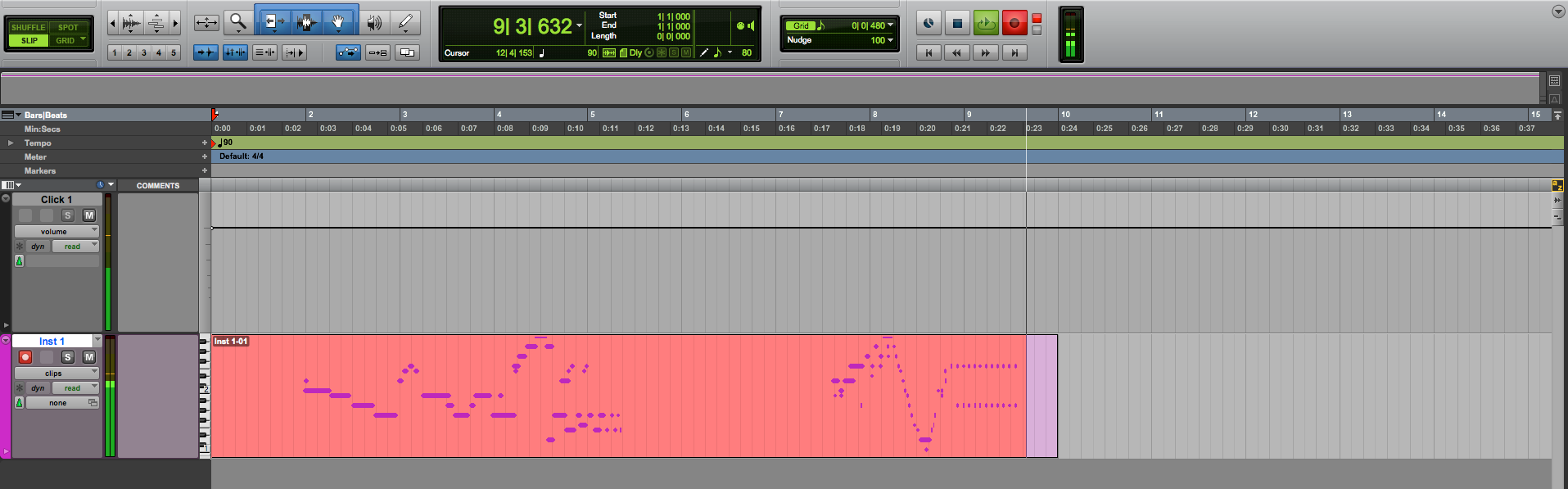
6. Press the SPACE BAR to stop the recording once finished:
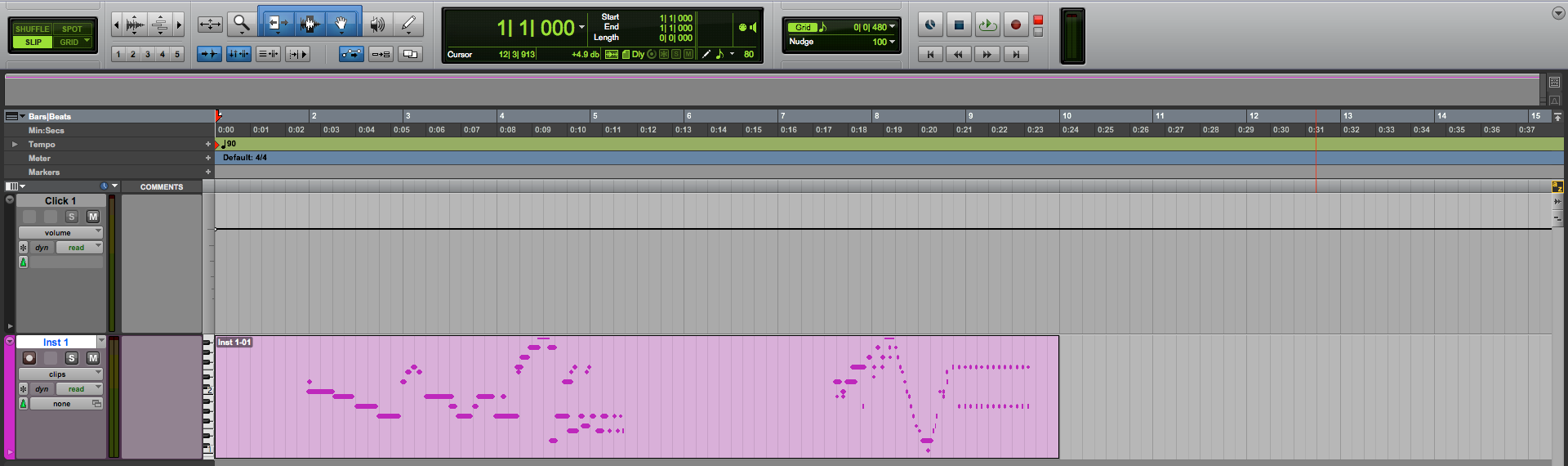
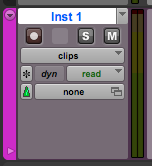
7. Turn OFF the record enable button on your Instrument Track:
8. Press the SPACE BAR again to playback/stop the material you just recorded:

At this point we have successfully demonstrated How to Record MIDI in Pro Tools. You can now finish your song!
Using Avid Pro Tools software to produce music would be ideal with one of our professionally designed PCAudioLabs Systems due our high-performance specifications in order to work with any of the Digital Audio Workstations supported. If you would like to order one of our PCAudioLabs computers, please call us at 615-933-6775 or click this link for our website.