
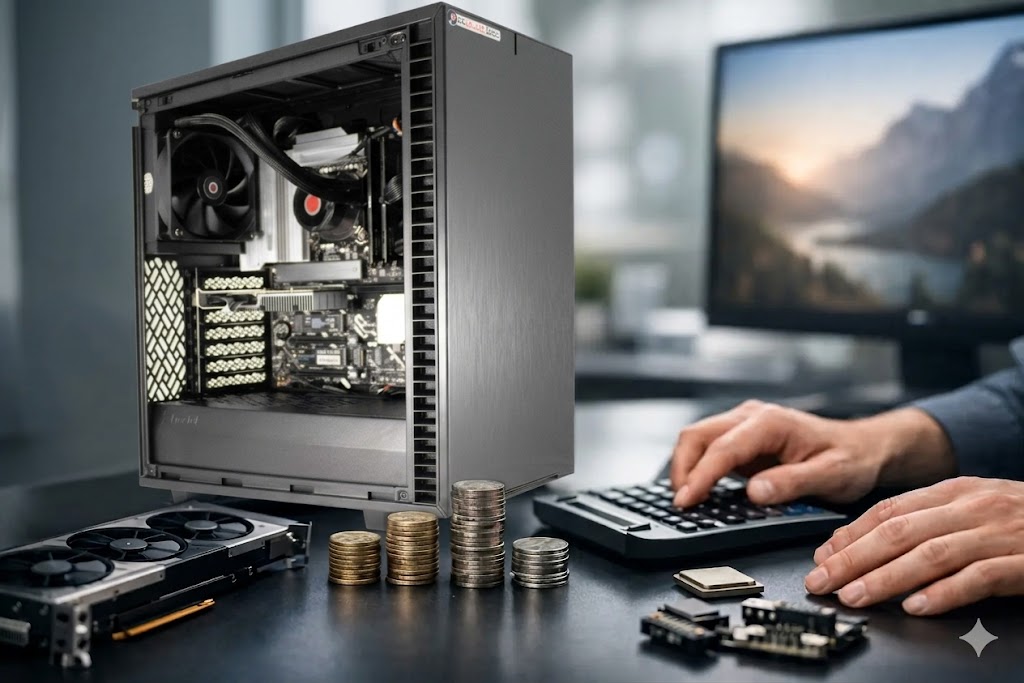
A custom computer price can look high at first glance – right up until a recording session runs late, a video export misses deadline, or a plugin-heavy mix starts crackling under load. For creators, the real question is not just what a system costs. It is what that price buys in stability, speed, noise control, compatibility, and time saved.
That matters because production machines are not judged by how they look on a spec sheet. They are judged by whether they hold up under a real workflow. A composer running large sample libraries, an engineer tracking at low buffer settings, and an editor managing high-resolution footage all put very different demands on a computer. The right build reflects that reality, and that is exactly why custom pricing varies so much.
Table of Contents
What a custom computer price actually includes
If you compare a purpose-built workstation to a consumer desktop with similar headline specs, the prices may not line up the way you expect. That is because the number on the page is not just paying for parts. It is paying for how those parts are selected, configured, tested, cooled, and supported.
In a production environment, component quality matters beyond raw speed. A CPU is not only about maximum boost clocks. It is about whether it can sustain performance during long renders or dense sessions without creating thermal issues. Memory is not just a capacity decision. It affects how smoothly large projects, virtual instruments, and video timelines stay responsive. Storage is not simply measured by total space, but by how quickly sample libraries load, how efficiently media caches behave, and how reliably sessions are saved.
Then there is the less visible side of the build. Quiet cooling, stable power delivery, motherboard quality, case airflow, BIOS settings, Windows optimization, and compatibility testing all shape the day-to-day experience. Those details rarely show up in big-box marketing, but they absolutely influence a custom computer price.
The biggest factors behind custom computer price
The processor is usually one of the largest price drivers, especially for audio and video professionals. But more expensive does not always mean better for every workflow. Some DAW users benefit from strong single-core performance for low-latency tracking and plugin responsiveness. Others, such as editors and composers working with heavier parallel workloads, may gain more from additional cores. The right CPU choice depends on the software, buffer settings, plugin count, and whether the system is used more for recording, mixing, scoring, editing, or finishing.
RAM is another major variable. A lean recording rig can perform well with a moderate amount of memory, while orchestral templates, large post-production sessions, and complex video projects often require much more. Buying too little can create immediate friction. Buying far beyond your actual workload can inflate cost without improving results. The best custom systems balance headroom with practicality.
Storage choices also move the price significantly. Fast NVMe drives improve boot times, project loading, sample streaming, and cache performance, but not every drive in the system needs to be the fastest available. In many creative setups, separating the OS, project files, media, and sample libraries leads to better organization and smoother performance. That kind of storage planning is part of what separates a workflow-specific machine from a generic one.
Graphics can be another point of confusion. For some video and content creation workflows, the GPU has a direct effect on playback, effects, color work, and export speed. For many audio-focused systems, however, spending heavily on graphics may do little for actual session performance. This is one of the clearest examples of why a custom computer price should reflect the job the machine needs to do, not a one-size-fits-all parts list.
Why workflow matters more than raw specs
A creator shopping by parts alone can easily overspend in the wrong places. That happens all the time with systems built around gaming priorities rather than production priorities. RGB-heavy cooling, flashy cases, and aggressive overclocking may look impressive, but they are rarely the reason a session stays stable at low latency or a workstation stays quiet in a control room.
A production computer should be designed around the actual software and hardware it needs to support. If you use Pro Tools with a specific audio interface, or rely on Cubase, Studio One, Ableton Live, Premiere Pro, Resolve, or large Kontakt-based templates, the machine should be selected and tuned accordingly. That affects motherboard choice, USB and Thunderbolt considerations, memory configuration, storage layout, thermal design, and operating system setup.
This is where pricing becomes more meaningful. A lower-cost build that forces you to troubleshoot driver conflicts, noise issues, or inconsistent performance can end up costing more in lost billable time than a properly designed system ever would.
The hidden cost of a cheap custom build
Not every custom computer is truly production-ready. Some are simply assembled from off-the-shelf parts with minimal testing and broad compatibility claims. That can work for hobby use, but professional environments tend to expose weaknesses quickly.
The hidden cost shows up in dropped sessions, unstable drivers, unexplained audio glitches, thermal throttling, fan noise, or systems that perform well in short benchmarks but not in long creative workloads. It also shows up when support is limited to general hardware troubleshooting rather than real production knowledge.
For audio professionals especially, reliability under pressure is the standard. If a machine struggles during tracking because of poor optimization, or if a plugin chain behaves unpredictably during mix revisions, the issue is not theoretical. It affects client confidence, session flow, and revenue. The same goes for editors and content teams working under deadline. A machine that needs constant attention is not a bargain.
How support and testing affect custom computer price
One of the most overlooked parts of custom computer pricing is the expertise behind the system. A builder that understands creative workflows does more than assemble hardware. It validates combinations of components, checks thermal behavior, tunes the operating system, and reduces the odds of conflicts before the computer ever reaches the studio.
That work has value because it shortens the distance between unboxing and real use. Instead of spending days adjusting BIOS settings, chasing down background process issues, or wondering whether your interface and plugins will play nicely with the system, you are starting from a machine built with those needs in mind.
Support matters after the sale too. A specialist who understands DAW behavior, storage planning, and low-latency requirements can solve problems much faster than a generic support channel reading from a script. For professionals, that expertise is part of the purchase, and it should be factored into any honest look at custom computer price.
What price range makes sense for creators?
There is no single correct number, because the right budget depends on the role of the computer. An entry-level custom system for recording, editing lighter projects, and running a focused software setup will sit in a very different range than a machine built for large orchestral templates, advanced post-production, 4K or 8K editing, or mixed audio-video workloads.
What matters is matching budget to consequence. If the computer is central to paid client work, daily production, or deadline-driven delivery, underbuying can create more risk than savings. If the system is a secondary rig, mobile edit station, or dedicated task machine, a more restrained configuration may be the smarter move.
This is why serious builders ask about your workflow before recommending a spec. They want to know what software you use, what interfaces and peripherals need to connect, how large your sessions get, and whether silence, portability, expansion, or rack integration matter. Those answers determine value far better than chasing the cheapest possible quote.
At PCAudioLabs, that production-first approach is the point. The goal is not to sell the most parts. It is to deliver a machine that fits the work, stays reliable, and earns its keep over time.
How to evaluate custom computer price the right way
A better way to judge price is to ask what problem the system removes. Does it reduce latency issues? Does it stay quiet enough for tracking and mixing? Does it arrive configured for demanding software instead of needing hours of cleanup? Does it give you room to grow without paying for hardware your workflow will never use?
Those questions lead to a more useful buying decision than comparing CPU model numbers in isolation. They also keep the focus where it belongs – on productivity, stability, and confidence in the middle of real work.
A well-built production computer is not cheap because cheap is rarely the goal. The goal is to make your sessions smoother, your edits faster, and your studio time more predictable. If the price supports that outcome, it is not just a computer purchase. It is part of how you protect your workflow.