
Intel Ultra 9 275HX vs Apple M4 Pro – Which is better for pro audio, video, and DJing?
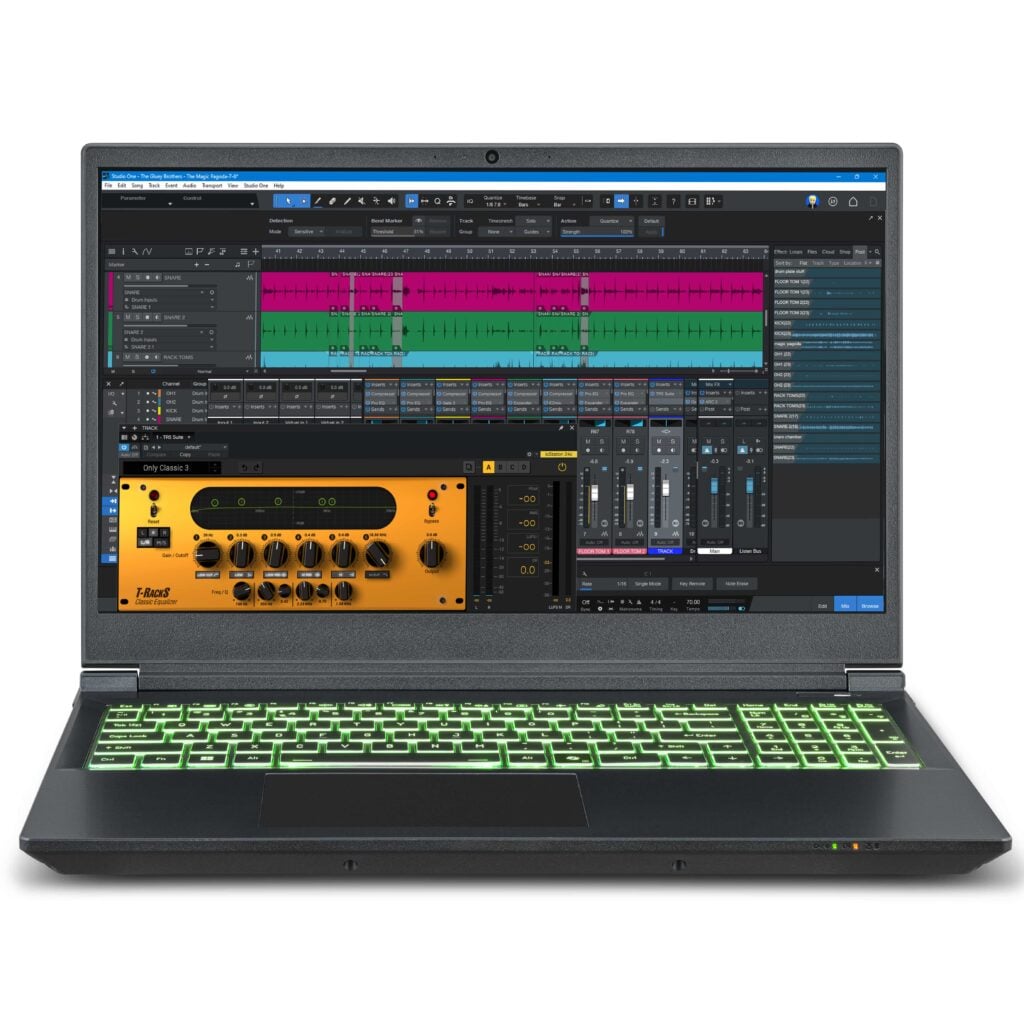
In this article, we’ll explore the comparison between the Intel Core Ultra 9 275HX and Apple M4 Pro CPUs, specifically comparing our Rok Box MC Mobile X PRO laptop to the Apple M4 and MacBook options. We’ll talk about how to compare the Intel Ultra 9 275HX vs Apple M4 Pro.
When choosing a pro audio laptop and associated CPU for music production and DJing and comparing the Intel Ultra 9 275HX vs Apple M4 Pro, it’s important to consider key factors:
- How fast is the CPU?
- How many cores does the CPU feature?
- What Graphics Card options are available?
- What screen sizes are available?
- How much internal storage can be installed into the pro audio laptop?
- How much RAM can be installed into the pro audio laptop?
The Intel Core Ultra 9 275HX and the Apple M4 Pro are high-performance processors designed for laptops, each with distinct architectures and features.
Below is a comparison highlighting their key differences when comparing the Intel Ultra 9 275HX vs Apple M4 Pro:
-
Table of Contents
Architecture and Cores: Intel Ultra 9 275HX vs Apple M4 Pro
- Intel Core Ultra 9 275HX: Features a hybrid architecture with 24 cores (8 performance cores and 16 efficiency cores) and 24 threads. It operates at a base frequency of 2.7 GHz, boosting up to 5.4 GHz.
- Apple M4 Pro: Comprises 14 cores (8 performance cores and 6 efficiency cores) with 14 threads. The base frequency is 2.59 GHz, with a boost up to 4.51 GHz, making it a clear loser in overall CPU speed when compared to the Intel Core Ultra 9 275HX.
-
Performance: Intel Ultra 9 275HX vs Apple M4 Pro
- Single-Core Performance: The Apple M4 Pro demonstrates superior single-core performance, scoring 4,792 in benchmarks, compared to the Intel Core Ultra 9 275HX’s score of 4,732.
- Multi-Core Performance: The Intel processor excels in multi-core tasks due to its higher core count, offering a 41.9% higher aggregate performance score over the Apple M4 Pro.
-
Power Consumption: Intel Ultra 9 275HX vs Apple M4 Pro
- Intel Core Ultra 9 275HX: Has a Thermal Design Power (TDP) of 55 watts. This is the most energy-efficient CPU model of its class in the PC world.
- Apple M4 Pro: Features a lower TDP of 40 watts, making it more energy-efficient for longer battery life, but battery life should be the last consideration you make when choosing a laptop on which to produce music or DJ.
-
Memory (RAM) Support: Intel Ultra 9 275HX vs Apple M4 Pro
- Intel Core Ultra 9 275HX: Supports up to 192 GB of DDR5-6400 RAM across 2 memory channels. PCAudioLabs Rok Box MC Mobile pro audio laptops’ RAM is upgradeable up to 192GB.
- Apple M4 Pro: Specific memory support details are not provided by Apple. This is a distinct issue because simply-put, you cannot upgrade the RAM in your MacBook. What you spec and build the system with, is what you’re stuck with. You cannot upgrade MacBooks yourself.
-
Graphics – Integrated and Third-party: Intel Ultra 9 275HX vs Apple M4 Pro
- Intel Core Ultra 9 275HX: Equipped with Intel Xe Graphics featuring 64 execution units, with a maximum frequency of 1.9 GHz. Pro audio laptops equipped with the Intel Core Ultra 9 275HX CPU also have the ability to utilize third-party GPUs such as the Nvidia RTX 5080 GPU – an option that Apple and Macs do not.
- Apple M4 Pro: Includes a 20-core GPU which is suitable for graphics-intensive operations, however, there is no way to utilize a third-party GPU with this CPU.
-
Internal Storage: Intel Ultra 9 275HX vs Apple M4 Pro
- Intel Core Ultra 9 275HX: While internal storage depends on the hardware configuration of the specific pro audio laptop, the Rok Box MC Mobile X PRO can support up to four internal m.2 NVME SSDs, allowing you to forgo carrying external USB drives for storage.
- Apple M4 Pro: Only allows for one internal storage option, which is not ideal for music production or DJing. This is a clear losing factor for Apple.
Conclusion: Intel Ultra 9 275HX vs Apple M4 Pro
The choice between the Intel Core Ultra 9 275HX and the Apple M4 Pro depends on specific user needs for Pro Audio production, but the data is clear; if you want a more flexible, more expandable pro audio laptop, a PCAudioLabs Rok Box MC Mobile pro audio laptop gives you:
- More RAM capacity
- More internal storage
- More processor cores
- More Graphics Card options
- Intel Core Ultra 9 275HX: Offers superior multi-core performance, making it ideal for tasks that leverage multiple cores, such as video rendering and complex simulations. This CPU is excellent for pro audio production and video editing. Its high RAM capacity and core count make it ideal for heavy workflows in Digital Audio Workstations, Nonlinear Editing applications, and DJ applications.
- Apple M4 Pro: Provides better single-core performance and energy efficiency, benefiting applications that prioritize per-core speed and longer battery life. It’s important to note that if you purchase a laptop based solely on battery life, you will always find that your pro audio laptop doesn’t perform as you need it to. The simple fact is that your pro audio laptop needs to be plugged into wall AC power in order for a sufficiently-powerful CPU to perform as needed for pro audio applications.
Consider your workload requirements and ecosystem preferences when selecting between these processors, but more specifically consider how choosing a laptop such as a MacBook that greatly limits your CPU power, RAM and storage capacity, will affect your workflow.
Apple logos on your laptop does not mean that it is the best laptop for music production.
You’ll pay less for a PCAudioLabs Rok Box MC Mobile pro audio laptop than you will pay for an Apple MacBook, and you’ll get dedicated support for the lifetime of your PC.
That’s why there’s no comparison between the Intel Ultra 9 275HX vs Apple M4 Pro.
When you compare the Intel Ultra 9 275HX vs Apple M4 Pro, the Intel Core Ultra 9 CPU wins by far, especially in the hands of PCAudioLabs.
If you’re ready to make the jump to a real pro audio laptop, contact PCAudioLabs to discuss your pro audio laptop needs:
Phone: 615-933-6775, dial 1. Open M-F 10am – 6pm CST.
Email: [email protected]
We hope you found this article about the Intel Ultra 9 275HX vs Apple M4 Pro helpful.
If you have more questions, or need help learning why you should choose a PCAudioLabs pro audio laptop when comparing the Intel Ultra 9 275HX vs Apple M4 Pro, contact us!
Frequently Asked Questions: Rok Box Pro Audio PCs
Will the Rok Box pro audio PC work with my DAW?
Yes. Our PCs are tested with multiple DAW applications including Avid Pro Tools, Ableton Live, Steinberg Cubase, PreSonus Studio One and more. If you have a specific DAW that you wish to ensure compatibility for, please contact us.
Are there lots of USB ports?
We know that USB ports are very important to digital creatives. The USB ports on the Rok Box MC-X differ based on the specs chosen in our custom configurator. Typically you’ll find at least 6 USB ports on the motherboard back panel. Those ports will change depending on your configuration. For specific I/O, please contact us prior to placing an order.
What kind of graphics card do I need?
The best graphics card for your Rok Box MC-X should match the number of monitors that you need to connect. If you produce or edit video, you’ll want to upgrade your GPU beyond the GTX 1050 triple output card that we offer.
Do I need Windows 11 Pro?
Unless your workflow requires extensive remote desktop via Windows Remote Desktop, or you plan to utilize Bitlocker encryption, you do not need Windows 11 Pro and may opt for Windows 11 Home (standard)
Do I need Thunderbolt?
Thunderbolt is an excellent connection protocol for fast data transfer. If you utilize or plan to utilize a Thunderbolt audio interface, you’ll want to spec your Rok Box with Thunderbolt.
If you do not currently use Thunderbolt but plan to later on, you should add Thunderbolt when building your PC on our website, as it cannot be added after the fact.
What is the Audio drive?
The Audio drive is where you should store your project, DAW, NLE, and other creative files. This protects them from being stored on the primary drive in case of having to re-image your Windows installation image.
What is the Samples drive?
The Samples drive is where you should install your sample library files from popular software such as Native Instruments, Spitfire audio, East West Sounds, etc. This ensures that your primary drive is not consumed by these very large files.