
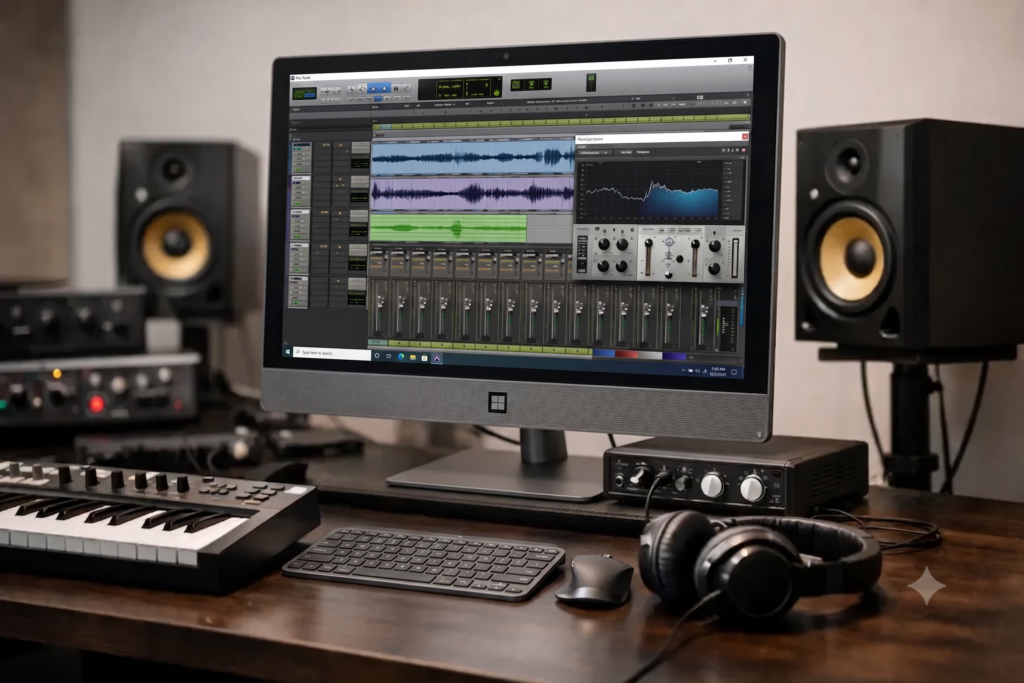
A Pro Tools session rarely fails at a convenient time. It happens when the buffer is already tight, the client is waiting, the plugin count keeps climbing, and the system suddenly reminds you that advertised specs and real production performance are not the same thing. That is why understanding pro tools computer requirements matters well beyond the minimum numbers on a software page.
For serious recording, editing, mixing, and post work, the real question is not whether Pro Tools will launch. It is whether your computer can run your sessions reliably at the latency, track counts, and plugin loads your workflow actually demands. A machine that technically qualifies can still become a bottleneck in a professional studio.
What Pro Tools computer requirements really mean
When most users search for pro tools computer requirements, they are usually looking for a simple shopping list: processor, RAM, storage, and operating system. That baseline is useful, but it does not tell you how a system behaves under load. In production, performance is shaped by the interaction between the CPU, memory, drive speed, interface drivers, session settings, and overall system tuning.
Pro Tools is especially sensitive to stability because it is often used in environments where low latency and predictable playback matter more than burst benchmark numbers. A consumer laptop with decent specs may look competitive on paper, yet still struggle with sustained audio workloads, thermal throttling, background processes, or poor USB behavior.
That is where many buying mistakes happen. People compare computers by headline specs alone, then wonder why sessions click, pop, or throw errors when the work gets serious.
CPU matters most, but not in the way many buyers think
The processor is still the centerpiece of a Pro Tools system. Virtual instruments, real-time plugins, bus processing, automation, and offline rendering all lean heavily on CPU performance. But there is a trade-off between chasing core count and choosing the right balance for your workflow.
For tracking sessions at low buffer settings, strong single-core and high-frequency performance can matter as much as, or more than, having the highest possible core count. Monitoring through plugins while recording live sources puts immediate pressure on the system, and slower per-core performance can show up fast.
For larger mix sessions, composition work, and post-production projects with heavy plugin chains, more cores can absolutely help. The key is that Pro Tools workloads are not one-size-fits-all. A songwriter recording vocals over a few instrument tracks needs a different machine than a mixer opening dense sessions with hundreds of plugin instances.
That is why the best CPU choice depends on whether your day is mostly tracking, programming, editing, mixing, or some combination. Buying too low limits headroom. Buying purely for maximum core count without considering clock speed and thermal behavior can also miss the mark.
RAM requirements depend on how you build sessions
Memory is one of the easiest areas to underbuy because a system may feel fine at first. Then sample libraries grow, session templates expand, and multitasking becomes normal. Suddenly the machine is paging to disk and responsiveness drops.
For lighter editing and basic recording sessions, 16GB can be workable. For many professional users, though, 32GB is the more realistic starting point. It gives Pro Tools more breathing room alongside plugins, virtual instruments, and the other production tools that tend to be open at the same time.
If your workflow includes orchestral libraries, drum instruments, layered sound design, or larger post sessions, 64GB often makes sense. Not every user needs that much, but many creators who thought 32GB would be plenty eventually outgrow it. Memory is less about bragging rights and more about keeping the system responsive under real creative load.
Storage speed affects more than load times
Fast storage is essential for modern audio production. That includes the system drive, but it also includes where sessions, sample libraries, video assets, and cache files live. An NVMe SSD provides a clear advantage over older spinning drives and can improve everything from boot time to session responsiveness.
Still, storage strategy matters as much as storage type. Running the operating system, Pro Tools, active sessions, and large sample content from one crowded drive can create avoidable contention. Many professional setups work better with separate drives for the OS and applications, current projects, and larger library collections.
This is especially true if your projects involve high track counts, dense edits, or video playback. The goal is not just speed on a benchmark. The goal is sustained performance when multiple tasks are happening at once.
Graphics are usually secondary, but the overall platform is not
Pro Tools is not primarily a GPU-driven application, so graphics performance is rarely the main buying factor for an audio-focused system. That said, the broader platform still matters. Motherboard quality, chipset behavior, USB implementation, cooling design, and power delivery all affect long-session stability.
This is one reason generic consumer PCs can be hit or miss in studio environments. A machine built for gaming or office use may include components that are fine for those jobs but less ideal for low-latency audio. Quiet cooling, tested compatibility with audio interfaces, and predictable driver behavior often matter more than flashy specs.
For users who also handle video editing or visual content creation, GPU needs become more relevant. In hybrid audio-video workflows, the system should be balanced so the graphics card supports editing performance without compromising thermals, noise, or power allocation elsewhere.
Operating system support and compatibility checks are not optional
One of the most common mistakes with Pro Tools is treating OS support as an afterthought. Even a powerful computer can become unreliable if the operating system version, interface driver, or plugin set is not aligned with the Pro Tools version in use.
Before buying or updating a system, it is worth checking the full compatibility chain: Pro Tools version, Windows version, interface drivers, DSP hardware if applicable, and critical third-party plugins. A single unsupported component can create instability that looks like a hardware problem.
This is also where purpose-built DAW systems separate themselves from off-the-shelf machines. Compatibility testing and workflow-specific optimization save time that would otherwise be spent troubleshooting random errors, USB behavior, sleep-state issues, or background-service conflicts.
Minimum specs are not the same as professional specs
Software minimums are designed to define the floor for operation. They are not a recommendation for serious production. If your income, deadlines, or client sessions depend on the machine, buying to the minimum is usually false economy.
A better way to think about pro tools computer requirements is by matching the system to your session reality.
If you record podcasts, voiceovers, and smaller music projects with a modest plugin load, a midrange modern system with 16GB to 32GB of RAM and fast SSD storage may be enough.
If you produce full arrangements with virtual instruments, record at low latency, and mix inside the box, you will benefit from a stronger CPU, 32GB or more of RAM, and a smarter storage layout.
If you run commercial sessions, larger post projects, or dense mix templates where downtime is expensive, overhead matters. That is when premium components, tested compatibility, quiet thermal design, and DAW-specific optimization become part of the requirement, not an upgrade.
The hidden requirement is stability under pressure
The spec sheet only tells part of the story. In professional use, the hidden requirement is stability under pressure. Can the system run for long sessions without thermal issues? Can it maintain low-latency monitoring without driver glitches? Can it handle plugin-heavy mixes without forcing workarounds that slow the creative process?
Those questions matter because the real cost of an underpowered or poorly configured machine is not just poor performance. It is interrupted takes, delayed approvals, lost time, and reduced confidence in the room.
That is why many professionals stop shopping for computers the same way consumers do. They start looking for systems designed around the realities of DAW work, with components selected for compatibility, noise control, and consistent behavior. For creators who would rather make records than troubleshoot Windows, that difference is significant.
PCAudioLabs builds around that reality, and it is why purpose-built audio workstations continue to matter even in a market full of technically capable PCs.
If you are evaluating your next system, start with the sessions you actually run, not the minimum requirements you can get away with. The right Pro Tools computer is the one that stays out of your way when the session gets demanding.