
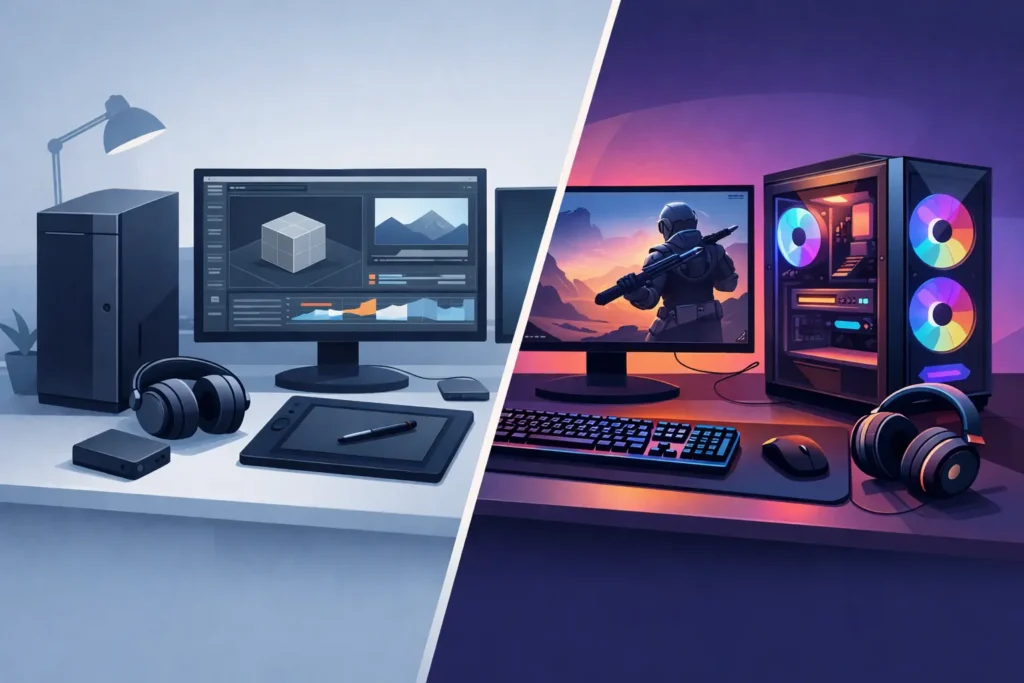
A computer that posts impressive frame rates can still interrupt a vocal take, crackle during playback, or become unstable halfway through a client edit. That is the practical difference behind the custom workstation vs gaming PC decision. For music producers, engineers, video editors, and content creators, the right system is not defined by a gaming benchmark. It is defined by whether it stays quiet, responsive, and dependable when a project is under real production pressure.
A gaming PC can be a capable creative machine, especially when it has a strong modern CPU, sufficient RAM, and fast storage. But gaming systems are generally selected and tuned around a different priority: visual performance at high frame rates. A production workstation is selected around sustained workloads, low-latency behavior, component compatibility, acoustic control, and predictable operation with the software and peripherals that make up a studio.
Custom Workstation vs Gaming PC: The Core Difference
The hardware categories overlap. Both may use the same CPU families, NVMe SSDs, high-capacity memory, and powerful graphics cards. The distinction is in the complete system design.
A gaming PC often prioritizes GPU performance, visual effects, aggressive cooling profiles, RGB-focused components, and parts chosen for the best benchmark value. Those choices make sense when the primary workload is gaming. They do not automatically make sense for a system running large Pro Tools, Cubase, Studio One, Ableton Live, Reaper, DaVinci Resolve, Adobe Premiere Pro, or After Effects sessions.
A custom workstation begins with the workload. An audio-focused build may prioritize high single-core performance for real-time virtual instruments, enough processing headroom for mixing, quiet fans, compatible USB and Thunderbolt connectivity, and storage arranged for operating system, applications, sessions, samples, and media. A video workstation may place more emphasis on GPU acceleration, memory capacity, high-speed media drives, and sustained thermal performance during long exports.
The goal is not to buy the most expensive part in every category. It is to avoid placing the wrong emphasis on the parts that affect your actual work.
Real-Time Audio Is Less Forgiving Than Gaming
Gaming can tolerate occasional variation in system behavior that audio recording cannot. If a game frame drops briefly, the result may be a minor visual hitch. If a computer cannot process audio reliably at a low buffer setting, the result can be clicks, pops, dropouts, or a recording session that becomes harder to run.
Low-latency recording places a specific kind of demand on a Windows system. The processor must respond quickly, drivers need to behave consistently, and connected devices must coexist without creating interruptions. Audio interfaces, DSP hardware, USB controllers, Thunderbolt devices, MIDI gear, external drives, and plugin-heavy DAWs all need to operate together.
That does not mean every gaming PC will fail in a studio. It means a gaming build has not necessarily been evaluated for the conditions that matter in a studio. A purpose-built workstation is selected and tested with those conditions in mind, reducing the trial-and-error that can come with adapting a consumer-oriented system for professional production.
CPU Performance Is More Than a Core Count
More CPU cores can help with offline rendering, video encoding, large mix sessions, and multitasking. Yet audio production also depends heavily on fast individual cores. A demanding virtual instrument, live processing chain, or low-buffer tracking session cannot always spread its work evenly across every available core.
This is why a CPU choice should reflect the DAW and project type rather than a simple core-count contest. A composer running orchestral sample libraries has different priorities from a mastering engineer working at high sample rates. An editor handling multicam footage and motion graphics has different needs from a producer recording vocal sessions with near-zero perceived monitoring delay.
A workstation builder can match the processor, memory configuration, cooling solution, and motherboard platform to those details. That is more useful than choosing a system based only on a headline specification.
GPU Power Matters Most for Video, Not Every Studio
Gaming PCs often devote a large share of the budget to the graphics card. For video editing, color work, 3D tasks, GPU-accelerated effects, and motion graphics, that investment may be entirely appropriate. The right GPU can speed up playback, exports, visual effects, and editing workflows.
For a primarily audio-based studio, however, an oversized gaming GPU can consume budget, generate heat, and introduce more fan noise without materially improving DAW performance. Some audio systems benefit more from additional RAM, faster sample storage, better acoustic treatment inside the case, or a carefully chosen expansion path.
The answer depends on your work. A hybrid creator who edits 4K video, produces music, and handles graphics may need a much stronger GPU than a mix engineer whose visual workload is limited to standard displays and occasional video playback. A custom workstation should account for both sides of that workflow rather than forcing an audio user to pay for unused graphics capability.
Quiet Cooling Is a Production Requirement
A gaming PC can be loud by design. High-wattage graphics cards and performance-oriented fan curves are acceptable when speakers, headphones, and game audio mask the sound. In a control room or vocal space, fan ramping is far more noticeable. It can distract during editing, affect microphone recordings, and make long sessions less comfortable.
Quiet operation is not achieved by simply adding more fans or selecting the largest liquid cooler. It comes from balancing component heat output, case airflow, cooler design, fan quality, and sensible tuning. A system also needs enough thermal headroom to maintain performance during a long mix, render, or export without becoming excessively noisy.
This is one of the less visible advantages of a production-focused workstation. Acoustic decisions are made around the environment where the computer will actually live, not around a showcase build photographed through a glass side panel.
Stability Depends on the Whole Configuration
A workstation is not just a list of premium parts. Stability comes from how those parts work together. Motherboard firmware, memory compatibility, storage controllers, USB behavior, driver versions, power delivery, cooling, and Windows configuration can all affect the day-to-day experience.
For creators, instability carries a real cost. A random restart during a session can mean lost momentum. An interface that disconnects during tracking can mean lost takes. A storage bottleneck can turn a straightforward edit into a slow, frustrating process. A system that requires constant troubleshooting takes attention away from clients and creative work.
This is where purpose-built systems earn their value. PCAudioLabs configures and tests systems around professional audio and content creation workflows, so the computer arrives as a production tool rather than a pile of parts that still needs to be proven in your studio.
When a Gaming PC Is the Right Choice
A gaming PC can be a sensible option if gaming is genuinely a major part of your use, your creative projects are moderate in scale, and you are comfortable handling system configuration and troubleshooting. It can also work well for creators whose video workflow benefits from a high-end GPU and who do not need ultra-quiet operation near microphones.
The key is to evaluate the actual parts and setup, not the label on the box. A thoughtfully configured gaming-oriented tower with a suitable CPU, adequate RAM, fast drives, controlled cooling, and compatible connectivity may serve a creator well. Conversely, an expensive prebuilt system with flashy components and poor thermal or storage planning may create more problems than it solves.
A gaming PC is less appealing when your income, deadlines, or client relationships depend on stable sessions. If you regularly track at low buffers, run large plugin counts, load extensive sample libraries, edit demanding media, or need knowledgeable support when something changes, the workstation approach is usually the safer investment.
What to Prioritize Before You Buy
Start with the projects that cause the most strain, not the projects you complete easily. Consider your largest sessions, the plugins or instruments that push the CPU hardest, your typical recording buffer, the resolution and codec of your footage, and the number of displays and external devices you use.
Then consider your working environment. A desktop in a machine room has different cooling requirements from a tower beside a vocal booth. A mobile editor may need a laptop with the right balance of performance and portability. A commercial studio may need rackmount options, expansion capacity, and a support plan that protects scheduled sessions.
Finally, budget for the system as a working platform. The fastest graphics card is not always the best use of funds. More memory, properly planned storage, quiet cooling, tested compatibility, and expert support can deliver a greater return because they protect the hours you spend creating.
The best computer for production is the one that disappears into the session. Choose the system that lets you record, edit, mix, render, and deliver without wondering whether the machine will keep up.