
Table of Contents
New Features included in Studio One 5.4: Chord Display
This blog is part of our new series of tutorials based on the new features included in the latest update of PreSonus Studio One 5.4
Want to learn how to use PreSonus Studio One in real time, with a professional digital audio trainer? It’s faster than blogs, videos, or tutorials. Call OBEDIA for one on one training for PreSonus Studio One and all digital audio hardware and software. Mention this blog to get 15 bonus minutes with your signup! Call 615-933-6775 and dial 1, or visit our website to get started.
Need a Pro Audio laptop or Desktop PC to run PreSonus Studio One software and all of its features at its best?
Check out our pro audio PCs at PCAudioLabs.
Chord Display
Do you have any idea of the names of the chords you are currently playing when recording MIDI in Studio One?
Sometimes you might be in a situation in which you are playing a virtual instrument, let’s say a Virtual Piano, and the bass player asks for the name of the chord.
What do you do?
What if you aren’t fast enough with music theory?
Are you gonna go note by note to know the chord name?
Studio One 5.4 makes this extremely easy with the new Chord Display.
The operation is extremely easy. You play ANY chord, and it will tell you in real time its name!
Let’s see how this works.
-
Open or create a new Studio One song, make sure it has at least one instrument track:

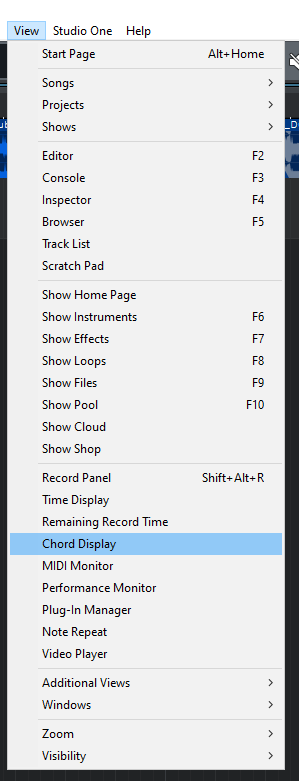
2. From the top menu bar click on: View -> Chord Display:
The Chord Display window will open as:
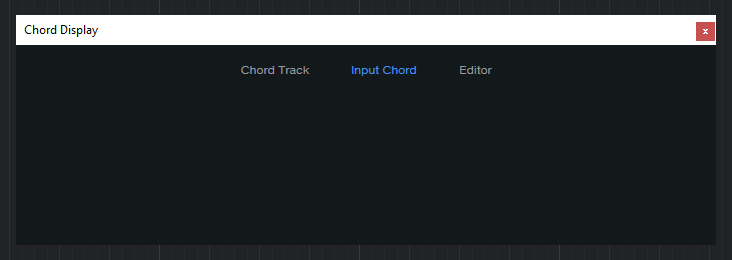
3. With the Chord Display window opened, go ahead and play any chord on your MIDI controller.
The name of the chord will be shown as:
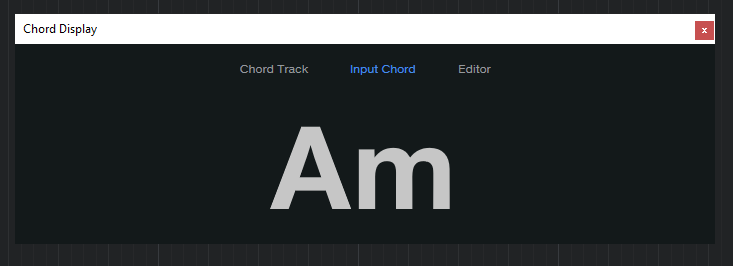
It is easy to see how the Chord Display shows the chord you are currently playing in real time.
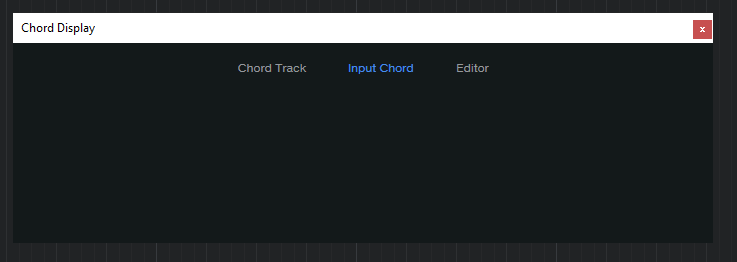
4. Now go ahead and release the chord. The Chord Display should show it blank as:
5. Press any other chord:
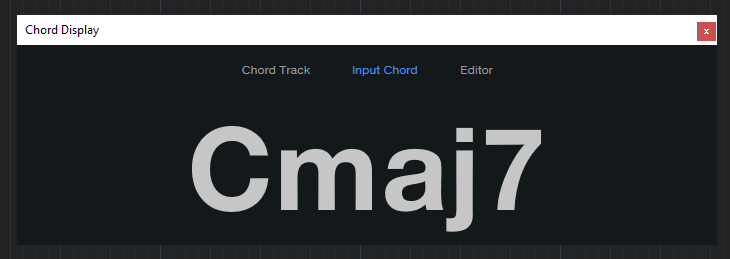
So yes, the Chord Display can show us any chord we are playing in real time.
Very useful when we are trying to figure out a chord we do not know because it will save us a lot of time in the middle of a session!
And that is it! Now you know how to use the Chord Display in Studio One 5.4!
Using Presonus Studio One 5.4 software to produce music would be ideal with one of our professionally designed PCAudioLabs Systems due our high-performance specifications in order to work with any of the Digital Audio Workstations supported. If you would like to order one of our PCAudioLabs computers, please call us at 615-933-6775 or click this link for our website.