
How to Optimize a PC for Audio Recording
Learn how to optimize a PC for audio recording with practical settings that reduce latency, protect sessions, and keep your DAW stable under load daily.
How to Optimize a PC for Audio Recording Read More »
Learn how to optimize a PC for audio recording with practical settings that reduce latency, protect sessions, and keep your DAW stable under load daily.
How to Optimize a PC for Audio Recording Read More »
Learn what matters in a low latency recording computer, from CPU and interface stability to tuning, noise control, and tested DAW performance.
What Makes a Low Latency Recording Computer Read More »
Learn how to prevent audio dropouts with practical fixes for buffer size, drivers, storage, plugins, and Windows DAW system stability.
How to Prevent Audio Dropouts in Sessions Read More »
What is low latency audio? Learn how delay affects recording, monitoring, and DAW performance, plus what actually lowers latency in real use.
What Is Low Latency Audio? Read More »
Why is recording latency high? Learn the real causes in DAW systems, from buffer settings to drivers, CPU load, plugins, and interface setup.
Why Is Recording Latency High? Read More »
Why does my DAW crackle? Learn the most common causes of pops and crackles in your DAW, from buffer settings to drivers and system bottlenecks.
Why Does My DAW Crackle? Fix the Real Cause Read More »
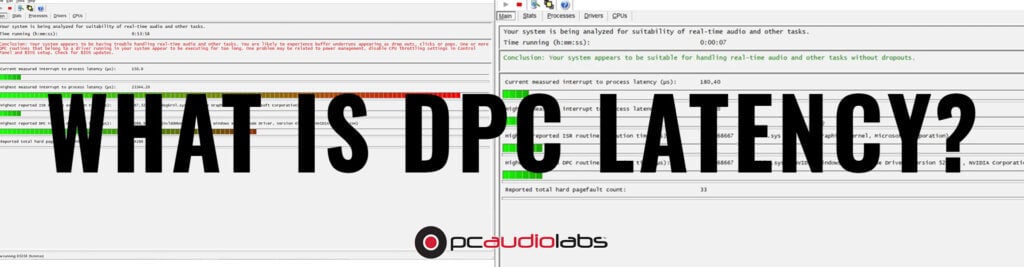
DPC Latency: What is it, Does PCAudioLabs Test for DPC Latency? Updated: 4/10/2026 DPC latency is, simply put, the enemy of music production. In this article, we’ll talk about what DPC latency is, if PCAudioLabs tests for DPC latency, and how our Rok Box Pro Audio PCs are better at ensuring that DPC latency is
DPC Latency: What is it, Does PCAudioLabs Test for DPC Latency? Read More »
Your PCAL Rok Box may arrive with its Graphics Processing Unit (GPU) not installed. This is to protect it during shipment. As a result, the GPU will need to be installed when your system arrives. To do this: 1. Remove the case side of the PC to access the inside of the PC where the
How to install your Rok Box GPU Read More »
If you get this message on your PCAL system running Windows 7, it means that something is wrong with your boot settings. Try the following: Find your Windows 7 repair disk CD, included with your computer. Put it in the CDrom and boot the system. The system should auto-start from the disk. When it loads,