
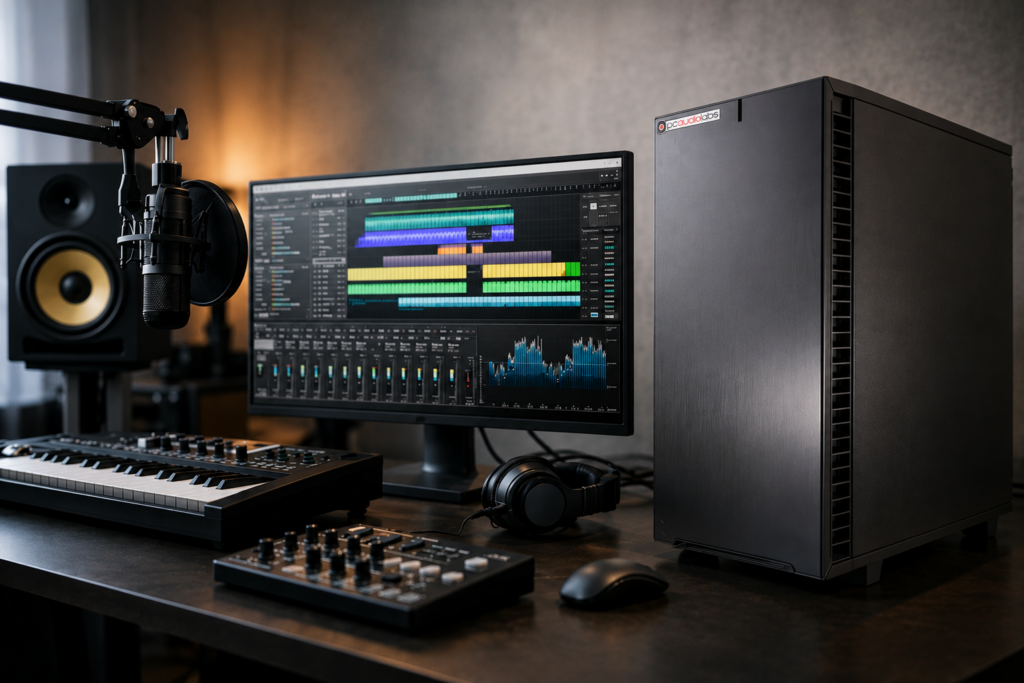
A session can fall apart for reasons that never show up on a retail spec sheet. Pops at low buffer sizes, a USB interface that behaves differently after a chipset change, fans that get loud when the vocalist is in the room, or a plugin-heavy mix that suddenly pegs the CPU – these are the problems an audio production workstation pc is supposed to prevent, not create.
For serious production work, the goal is not simply buying a fast computer. The goal is building or choosing a machine that stays stable under load, works cleanly with your DAW and interface, and keeps pace with the way you actually record, edit, mix, and deliver projects. That is a different standard than gaming performance or office productivity, and it changes how you should evaluate every major component.
What an audio production workstation PC needs to do
A proper audio production workstation PC is designed around consistent real-time performance. That matters most when you are tracking at low latency, running dense virtual instrument sessions, or opening projects that rely on large sample libraries and plugin chains. In those moments, raw benchmark numbers only tell part of the story.
Audio workloads are often mixed. Recording benefits from low-latency responsiveness and clean driver behavior. Mixing and mastering can lean harder on total CPU resources, especially with oversampling, linear phase processing, and larger track counts. Composition adds another layer because orchestral templates, drum libraries, and synth-heavy arrangements can put serious pressure on memory and storage.
That is why a capable workstation has to balance CPU power, RAM capacity, drive speed, thermal control, motherboard stability, and expansion. If one of those areas is weak, the rest of the system can still feel compromised.
CPU choice shapes the whole workflow
For most producers and engineers, the processor is still the first major decision. But there is no universal best CPU. It depends on whether your work leans toward tracking, mixing, sound design, composition, or a combination of all four.
If you track live bands or vocals and need very low buffer settings, strong single-core performance matters because many real-time audio tasks still depend heavily on individual core speed. A CPU with excellent responsiveness can make the system feel tighter when monitoring through the DAW.
If you mix large projects or use CPU-intensive plugins across many channels, higher core counts become more useful. More cores can spread the load, especially in sessions with large track counts and parallel processing. The trade-off is that not every DAW or plugin scales the same way, so buying the biggest processor available is not always the smartest move for the money.
This is one reason purpose-built workstation systems stand apart from generic desktops. Component selection should reflect actual audio behavior, not just top-line consumer marketing. A balanced processor choice often outperforms an overbuilt but poorly matched system.
RAM and storage are not secondary decisions
Memory is easy to underestimate until a project starts relying on large Kontakt libraries, layered virtual instruments, or video assets alongside audio. For lighter recording and editing work, moderate RAM may be enough. For modern production, especially composing and post work, more headroom can prevent slowdowns and reduce the need to constantly freeze or unload instruments.
Storage matters just as much. A single drive can work for basic sessions, but it is rarely ideal for professional use. Separating the operating system and applications from active projects and sample libraries helps keep performance consistent. Fast NVMe storage improves load times and session responsiveness, but the bigger benefit is workflow efficiency. Projects open faster, libraries stream more smoothly, and backup strategies become easier to organize.
Capacity planning also deserves more attention than it usually gets. Audio projects, sample libraries, and delivered versions accumulate quickly. If you are constantly juggling space, your workstation starts creating friction instead of removing it.
Quiet cooling is part of studio performance
In audio production, cooling is not only about preventing thermal throttling. It is also about noise. A machine that benchmarks well but ramps up loudly in the middle of a take is not doing its job in a control room, writing room, or voiceover setup.
That is where case design, fan selection, airflow tuning, and power supply quality make a real difference. Quiet operation comes from the whole system being designed sensibly, not from one silent-branded part. Poor airflow can force fans to work harder. An oversized or badly tuned cooling setup can be just as distracting as an underpowered one.
There is always a trade-off between cooling capacity, chassis size, and acoustic treatment. Compact systems save space, but tighter layouts can limit expansion and change thermal behavior. Full towers usually offer more flexibility and easier cooling, but they take up more room. The right answer depends on whether your workstation lives in an isolated machine room, under a desk, in a mobile rig, or directly beside open microphones.
Compatibility is where many DIY builds go sideways
Most production professionals can read a parts list. The harder question is whether those parts will behave well together in a DAW environment over time. That includes motherboard firmware maturity, USB controller behavior, Thunderbolt implementation where applicable, graphics choices, and how the system handles specific interfaces, plugin suites, and expansion cards.
This is where generic PC buying advice often fails audio users. A component can be excellent for gaming and still be a poor fit for a recording or post-production machine. Audio work is unusually sensitive to driver behavior, interrupt handling, and low-latency stability. Problems may not appear during casual use. They show up during a client session, after a software update, or when the project gets heavy enough to expose weak spots.
A true workstation approach means the system is not only assembled, but also tested with real workflow expectations in mind. That kind of validation has value because it reduces the trial and error that often follows a self-built or off-the-shelf system.
The best audio production workstation PC is workflow-specific
There is no single best audio production workstation PC for everyone. A mastering engineer running a relatively lean but demanding chain has different priorities than a composer loading massive templates. A podcast editor can tolerate compromises that a commercial tracking studio cannot. A mobile producer may need a compact system, while a permanent room can benefit from a larger tower or rackmount design.
If your work is mostly recording, prioritize low-latency behavior, interface compatibility, quiet operation, and dependable USB or Thunderbolt implementation. If you mix large sessions, lean into CPU headroom, cooling, and enough RAM to keep sessions fluid. If you compose with orchestral or cinematic libraries, focus heavily on memory capacity and fast dedicated storage for samples.
Video creators and hybrid audio-video professionals need to think one step further. GPU requirements, codec support, storage bandwidth, and application crossover can all affect the final build. In those cases, a production workstation has to serve more than one demanding workflow without compromising audio stability.
Support matters more than most buyers expect
When professionals shop for a computer, the instinct is often to compare parts first and support second. In production environments, that order usually flips after the first problem. The value of expert support is not theoretical when a deadline is close, a driver update changes behavior, or an interface needs a known-good configuration.
This is where a specialized builder like PCAudioLabs has a clear role. The value is not just the hardware in the box. It is the combination of component selection, OS optimization, compatibility testing, and support from people who understand DAWs, plugin loads, low-latency tracking, and studio peripherals. For creators who make a living with their systems, that can save far more time than any small savings from a generic machine.
There is also a long-term benefit. Production computers tend to stay in service for years, often across software updates, hardware additions, and evolving project demands. Having a system that was designed with that lifecycle in mind can make expansion and maintenance far less painful.
What to prioritize before you buy
Before choosing a system, be honest about your most demanding session, not your average one. Count your track loads, your sample library footprint, your interface needs, and whether the system will sit near microphones. Think about expansion too – more drives, more RAM, external DSP, capture hardware, or future display needs.
It also helps to think in terms of risk. If a system glitch costs you a take, a client, or a revision window, reliability is not a premium feature. It is part of the job. A workstation should remove uncertainty from your setup so your attention stays on the session.
The right machine is the one that disappears into the background while your software, hardware, and creative process stay in sync. When an audio production workstation PC is chosen well, you stop thinking about the computer and get back to making records, finishing edits, and hitting deadlines with confidence.