
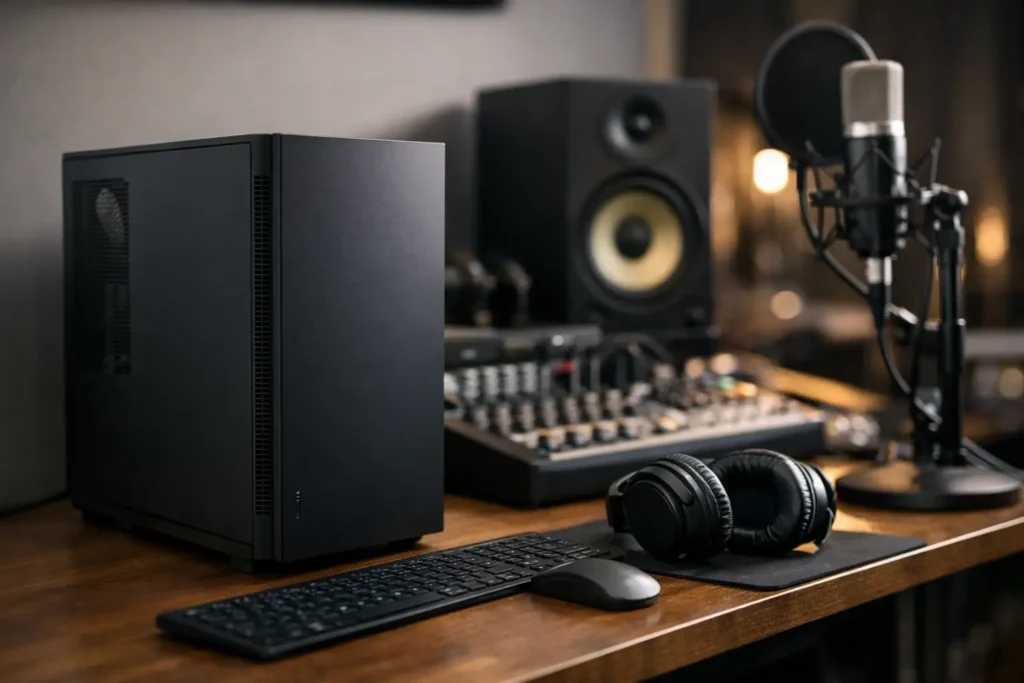
A vocal take ruined by fan noise is not a performance problem. It is a system design problem. If you need a quiet computer for recording studio work, the goal is not just lower noise on a spec sheet. The goal is a machine that stays out of the room, out of the microphones, and out of the session while still delivering stable low-latency performance.
That distinction matters because many computers are marketed as quiet, but few are built around the demands of real recording workflows. A studio machine has to do more than idle silently on a desk. It has to handle dense sessions, virtual instruments, plugin-heavy mixes, and interface drivers without suddenly ramping fans, introducing heat issues, or forcing compromises during tracking.
What makes a quiet computer for recording studio use
The biggest misconception is that quiet operation comes from one part. It does not. Silence is the result of how the whole system is engineered – case airflow, fan quality, CPU cooling, power supply behavior, component heat output, and tuning under load all work together.
In a recording environment, noise is rarely just about volume. The type of noise matters too. A low, consistent airflow sound is usually easier to manage than high-pitched fan whine, pump noise, coil noise, or abrupt speed changes during a take. That is why two computers with similar decibel levels can feel very different in a studio.
A properly designed system tries to avoid noise at the source. That usually means choosing components that deliver strong audio performance without generating unnecessary heat, then cooling them efficiently so fans do not need to spin aggressively. It also means avoiding consumer-gaming priorities that often push thermal output higher than most DAW users need.
Quiet does not mean underpowered
There is a bad trade-off some buyers assume they have to make. They think the only way to get a quieter system is to accept less power. In practice, that depends on how the system is configured.
For audio production, the right CPU, sufficient RAM, fast storage, and a stable motherboard matter more than chasing the loudest high-wattage parts on the market. Many recording and mixing systems perform better in real-world studio use when they are balanced instead of overbuilt around components that create more heat than the workload demands.
That is especially true if your work is mostly tracking, editing, mixing, mastering, composition, or content production in a DAW. Those tasks benefit from efficiency, driver stability, and predictable thermals. They do not automatically require a workstation that sounds like a render farm every time the session gets busy.
The hardware choices that affect noise most
The case and airflow path
The enclosure matters more than many people realize. A cramped case with poor airflow can force fans to work harder, even if the internal parts are relatively efficient. A well-designed chassis allows for slow, controlled airflow with less turbulence and less acoustic leakage.
Good studio systems typically favor cases that support larger fans, cleaner intake paths, and controlled internal temperatures without relying on brute-force cooling. Bigger fans moving air at lower RPM are usually better for noise than smaller fans spinning fast.
CPU cooling
The processor is often the main thermal load in an audio workstation, especially when running virtual instruments or low buffer sizes. A good cooling solution keeps temperatures in check without dramatic fan ramps. That is the key point – not just cooling capacity, but stable acoustic behavior.
Air cooling is often an excellent fit for quiet studio builds when implemented correctly. It can be reliable, effective, and quieter than many buyers expect. Liquid cooling is not automatically better. Some setups perform well, but pump noise and long-term complexity can be drawbacks in a recording space.
Power supply quality
A noisy power supply can ruin an otherwise quiet machine. Fan behavior, electrical design, and overall efficiency all play a role. Higher-quality power supplies often run quieter because they waste less energy as heat and do not need to cool as aggressively.
This is also one of those areas where studio users benefit from tested parts rather than generic spec shopping. On paper, two units can look similar. In a control room, they can sound very different.
Graphics choices
For many recording studios, the graphics card is an unnecessary source of noise. Dedicated GPUs can make sense for video editing, motion work, and some creator workflows, but they also add heat and often introduce additional fan noise.
If your primary workload is audio, using only the graphics capability you actually need can help keep the system quieter. If you also edit video, then the question becomes balance. The right GPU should support your software without turning the machine into the loudest piece of gear in the room.
Storage design
Solid-state storage is the standard for a quiet production machine. It eliminates the mechanical noise of spinning drives and improves session responsiveness at the same time. Traditional hard drives still have a place in some archive or large-capacity workflows, but if they are included, placement and vibration control matter.
For active projects, sample libraries, and operating system tasks, SSDs are the cleaner choice acoustically and operationally.
Why off-the-shelf PCs often struggle in studio environments
A mass-market desktop might seem quiet during casual office use, then become distracting the moment you open a serious session. That is because it was not designed around DAW behavior, plugin loads, interface drivers, or low-latency tracking.
Consumer systems are usually tuned for broad usage, not production-critical consistency. Fan curves may prioritize short benchmark wins instead of steady acoustic performance. Component choices may reflect gaming trends or retail price targets rather than audio reliability. Compatibility testing with professional interfaces, DSP hardware, and demanding creative software is rarely the priority.
For a recording studio, that gap shows up fast. You hear fan surges during takes, run into thermal spikes under load, or lose time troubleshooting settings that should have been addressed before the system ever arrived.
How to evaluate a quiet recording computer realistically
The right question is not, Is this computer silent? The right question is, How does it behave during my actual workflow?
A machine that is nearly inaudible at idle but noticeably louder during vocal tracking may still be the wrong fit for a one-room studio. On the other hand, a tower placed in a separate machine room or isolated closet may not need the same acoustic profile as a desktop sitting three feet from a condenser mic.
That is why context matters. If you record vocals, acoustic instruments, Foley, voiceover, or podcast content in the same room as the computer, noise tolerance is low. If your room is mainly for mixing or post-production, you may accept slightly more airflow noise in exchange for higher sustained processing power.
Studio owners should also think about future load. A system may be quiet with moderate sessions today, then become more aggressive as your template grows, your sample libraries expand, or your video workload increases. Quiet operation is not just about the first week. It is about maintaining stable acoustics over the life of the machine.
A quiet computer for recording studio work still needs tuning
Hardware is only part of the equation. BIOS settings, power management, fan curves, background processes, and OS optimization all influence how a computer sounds and performs.
Poor tuning can make a good system seem noisy. Fans may react too quickly. Power settings may create unnecessary thermal swings. Background tasks can interrupt the steady-state behavior you want during tracking and editing. For audio users, system optimization is not cosmetic. It directly affects latency, stability, and acoustic consistency.
This is one reason purpose-built production machines tend to make more sense than general consumer boxes. When a builder understands audio workflows, the system can be configured around how DAWs and studio peripherals are actually used, not just around generic desktop behavior. That is where a specialist such as PCAudioLabs brings real value – not simply by selecting parts, but by validating those parts as a complete recording platform.
The best quiet system is the one that fits your room and workflow
There is no single best answer for every studio. A songwriter cutting vocals in a spare bedroom has different needs than a commercial room running large mix sessions, and both differ from a composer with heavy orchestral templates or a creator handling audio plus video delivery.
What does stay consistent is the standard you should expect. Your computer should support low-latency recording, stay stable under load, and remain acoustically controlled enough that it does not intrude on the work. If it is forcing mic placement compromises, editing around fan noise, or constant second-guessing during sessions, it is not doing its job.
A quiet recording computer is not a luxury feature. In many studios, it is part of the signal chain whether you planned for it or not. Choose accordingly, and the best thing you will notice about it is that you stop noticing it at all.