
How to Build a Custom DAW Computer
Learn how to build a custom DAW computer for low latency, quiet operation, and stable sessions with the right parts and smart setup.
How to Build a Custom DAW Computer Read More »
Learn how to build a custom DAW computer for low latency, quiet operation, and stable sessions with the right parts and smart setup.
How to Build a Custom DAW Computer Read More »
Learn how to choose an audio production workstation pc for recording, mixing, and editing with the right CPU, storage, cooling, and support.
Choosing an Audio Production Workstation PC Read More »
Why PCAudioLabs Is Also the Best Choice for Professional Video Editing and NLE Workstations For years, PCAudioLabs has been recognized as a leader in custom-built computers for professional audio production. From recording studios and broadcast facilities to composers and content creators, thousands of professionals rely on PCAudioLabs systems to power their most demanding creative workflows.
Choosing a rackmount computer for audio production means balancing noise, airflow, low latency, expandability, and long-session reliability.
Choosing a Rackmount Computer for Audio Production Read More »
Need a quiet computer for recording studio work? Learn what actually reduces noise without sacrificing DAW speed, stability, or low-latency performance.
Choosing a Quiet Computer for Recording Studio Read More »
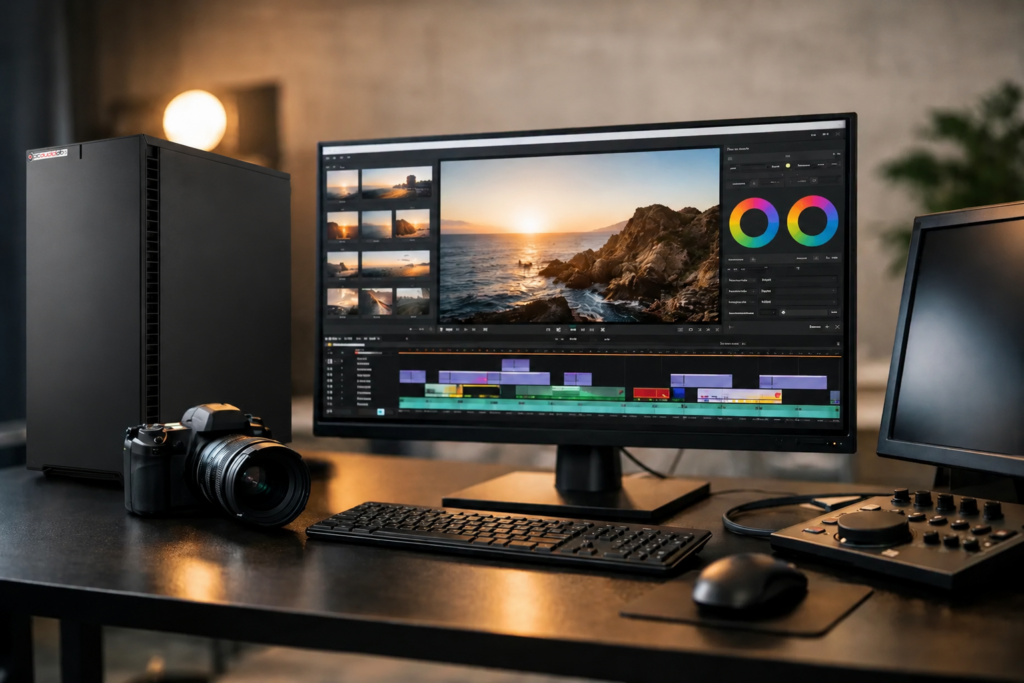
Find the best pc for video editing based on codecs, timelines, GPU needs, RAM, storage, and reliability for real professional workflows.
Best PC for Video Editing in 2026 Read More »
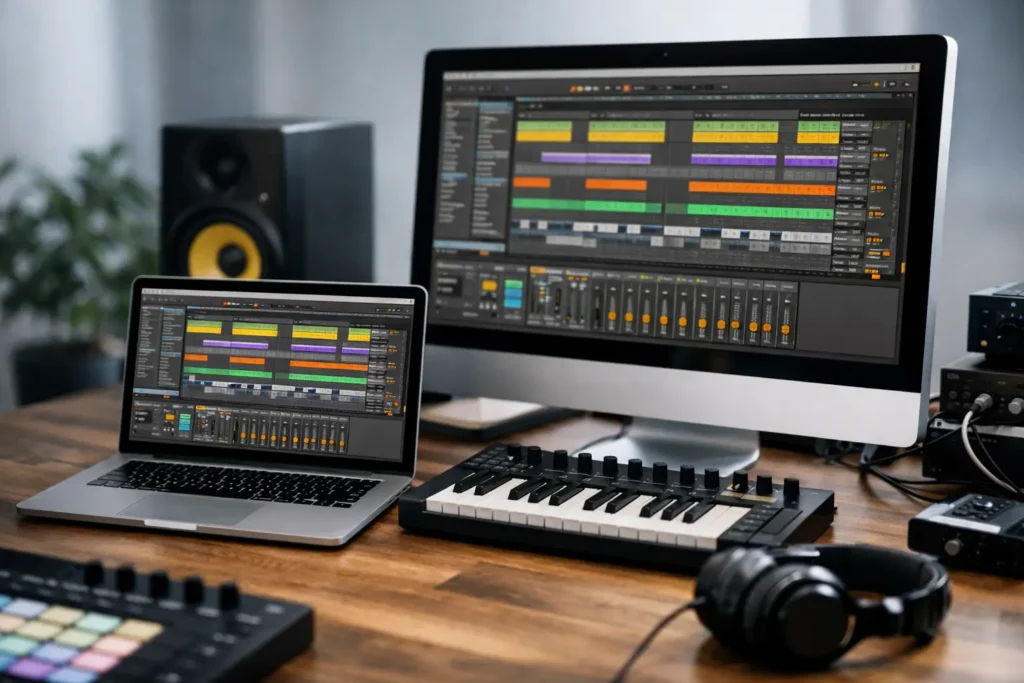
Find the best computer for Ableton Live with practical advice on CPU, RAM, storage, noise, and stability for serious music production.
Best Computer for Ableton Live Read More »
Choosing a pc for pro tools means balancing CPU speed, RAM, storage, noise, and compatibility so sessions stay stable at low latency.
Best PC for Pro Tools: What Actually Matters Read More »
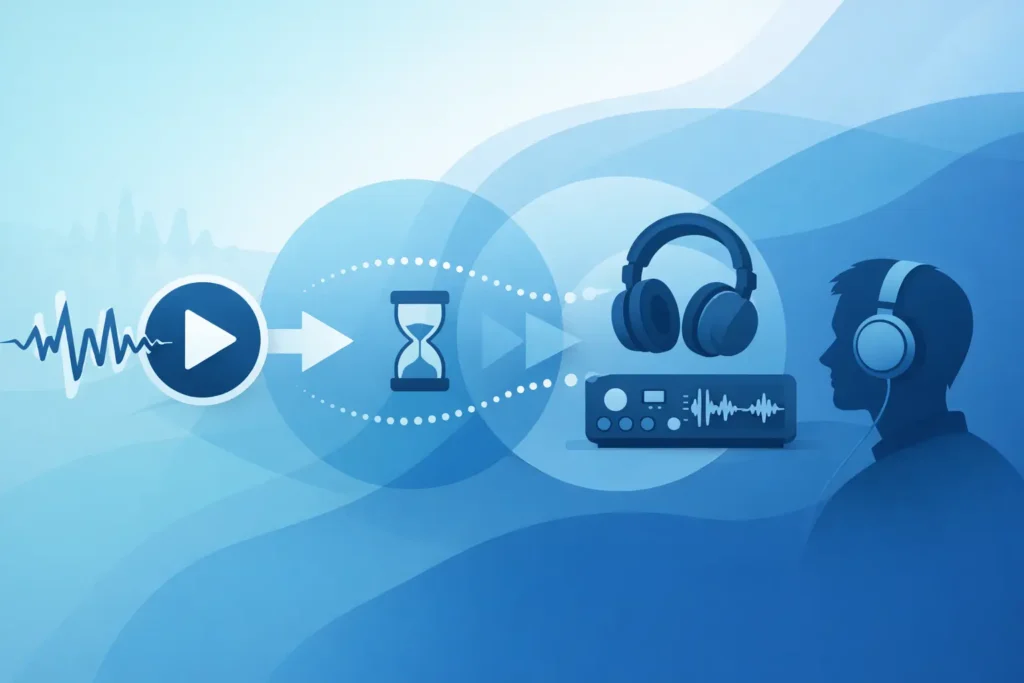
What is good audio latency? Learn the ms ranges that feel responsive for recording, monitoring, mixing, and live use on Windows DAW systems.
What Is Good Audio Latency? Read More »
Look ahead’s tradeoff is that all tracks need the same amount of delay as the maximum amount of look ahead that applies to a processor. A DAW’s Plug-in Delay Compensation (PDC) feature ensures all tracks remain in sync. However, PDC is part of a DAW’s audio engine, and third-party plug-ins typically can’t tie into PDC. But no worries—with this tip, you can add look ahead for any sidechain-capable dynamics processor, with any DAW.
Add Look Ahead to Any Dynamics FX with a Sidechain Read More »