Brian Lorelle

Justin Lassen PCAudioLabs

Justin Lassen on the MC EX SE Pro Audio Computer by PCAudioLabs

https://youtu.be/sd9PGdG2nt8Video can’t be loaded because JavaScript is disabled: Justin Lassen on the MC series Intel Special Edition Pro Audio Computer by PCAudioLabs (https://youtu.be/sd9PGdG2nt8) Justin Lassen is a musician, composer, remixer, producer and Sound Designer. Justin takes some time out today to talk to OBEDIA/PCAudioLabs about how his brand-new PCAudioLabs MC EX Special Edition Pro Audio […]

Justin Lassen on the MC EX SE Pro Audio Computer by PCAudioLabs Read More »

mac vs pc what is the bset computer for music production 2020

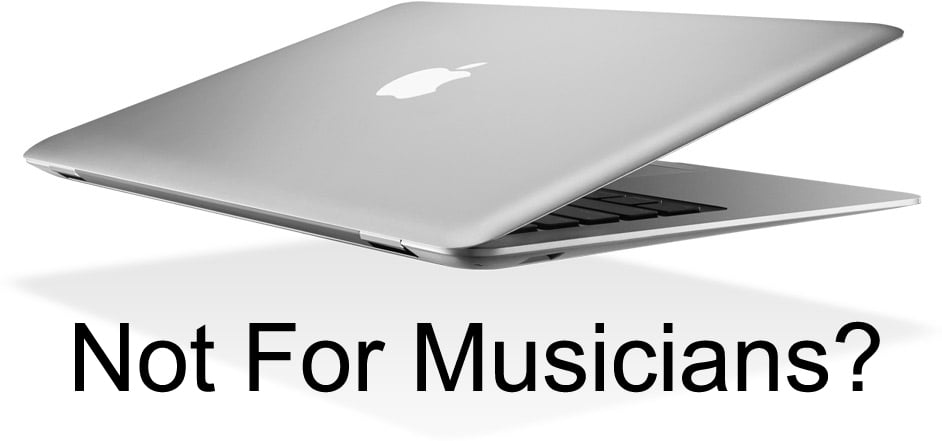
PCAudioLabs vs. MacBook

PCAudioLabs vs. MacBook: What Makes a PCAudioLabs laptop better than a MacBook?   We get asked a lot about PCAudioLabs vs. MacBook laptops. Well, let’s answer those questions, shall we? TLDR: PCAudioLabs offers more configuration options, more CPU cores, more RAM, more internal hard drives, and better support than Apple for pro audio and video creatives.

PCAudioLabs vs. MacBook Read More »

My PCAL OB-1 X99 Haswell based computer says Boot selection failed because a required device is inaccessible (Windows 7)

If you get this message on your PCAL system running Windows 7, it means that something is wrong with your boot settings.  Try the following: Find your Windows 7 repair disk CD, included with your computer.  Put it in the CDrom and boot the system. The system should auto-start from the disk. When it loads,

My PCAL OB-1 X99 Haswell based computer says Boot selection failed because a required device is inaccessible (Windows 7) Read More »

PCAL win 10 pro audio compatibility list

Windows 10 Pro Audio Compatibility List

Herein you will  find a list of Pro Audio developers we’ve been tracking as they release information about compatibility with Windows 10. If you know of something we do not have listed here, please contact us! For our findings on Windows 10 for Pro Audio, look here: https://pcaudiolabs.com/windows-10-for-pro-audio/ For information on how to upgrade to Windows

Windows 10 Pro Audio Compatibility List Read More »

Win a recording bundle from OBEDIA/PCAudioLabs, PreSonus, and Toontrack!

  Enter to win here: http://bit.ly/sospcal We’ve partnered up with PreSonus and Toontrack to give you an awesome giveaway via Sound On Sound Magazine! You have a chance to win a PCAudioLabs PSc Rak 7 pro audio computer, a PreSonus RM16AI rack mixer/audio interface, and EZDrummer 2 from Toontrack! All you need to do to enter

Win a recording bundle from OBEDIA/PCAudioLabs, PreSonus, and Toontrack! Read More »

Basics of Track Navigation In Studio One

In this tutorial, I am going to focus on some basic, but very useful keyboard shortcuts in Studio One, that enable you to navigate within individual Tracks and access the Solo, Mute, Monitor and Record buttons. As well as the show envelopes function, moving backward and forwards between Tracks and Track Heights.   Keyboard Shortcuts covered include: Track Solo On/Off: S Track Mute On/Off: M

Basics of Track Navigation In Studio One Read More »

Scroll to Top
0